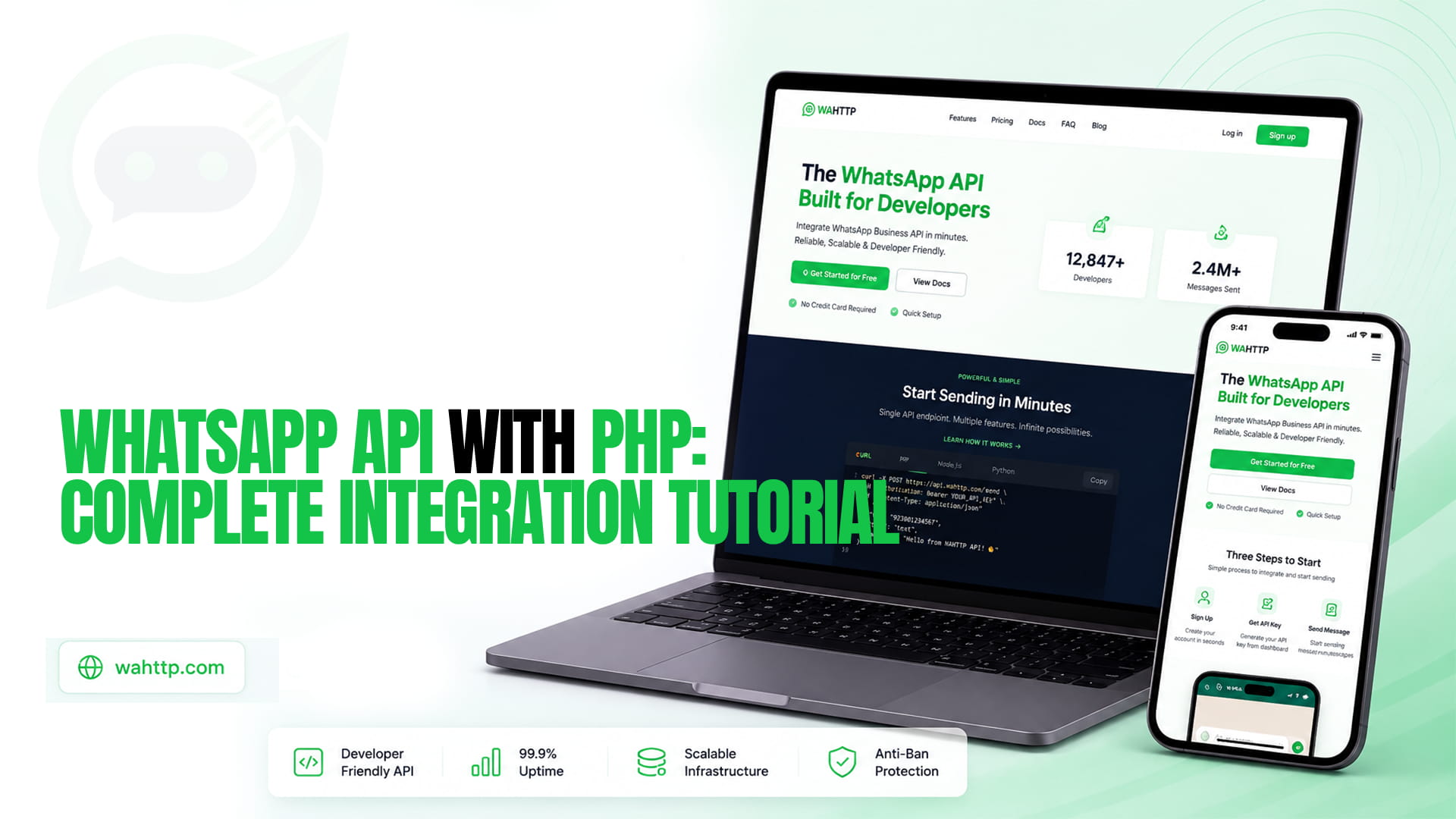
PHP has shipped the cURL extension by default for decades, which means sending a WhatsApp message needs no Composer install at all. Here's the whole thing, working, before anything else:
php
Run it with php send.php, swap in your own key, session ID and recipient number, and that's a message sent. The status check at the end is the line people skip: cURL doesn't throw on a 4xx or 5xx by default, it just hands back whatever the server returned, so without that check a failed send looks identical to a successful one in your logs.
Before any code: connect a session
Nothing above sends anything until a number is actually connected. Create a session in your WaHttp dashboard, scan the QR code with WhatsApp on the phone you're connecting, and copy the session ID and API key it gives you. Those feed the two environment variables the script reads above. Until the dashboard shows the session as connected, the API will return a clear error rather than hanging, so check connection status first if the snippet above doesn't work as expected.
bash
If you'd rather not rely on shell environment variables, a .env file loaded with vlucas/phpdotenv works the same way, but it's one more dependency this tutorial doesn't strictly need. Build against a wahttp_test_ key and switch to wahttp_live_ only once you're sending to real numbers.
A reusable client instead of repeating cURL setup
One call is fine for a script. For anything sending more than once, wrap it in a small class:
php
The CURLOPT_TIMEOUT setting matters more in PHP than it does in some other runtimes, since a stuck cURL call blocks that entire PHP-FPM worker rather than just one async task. Media sends get a longer timeout than text, since the API has to fetch the file from your URL before delivering it, and that round trip takes longer than a plain text send.
Receiving messages: the half most tutorials skip
Sending is one direction. Receiving means exposing a plain PHP endpoint that reads the raw request body, since WhatsApp's webhook arrives as a POST with a JSON payload rather than a standard form submission.
php
Serve it with php -S localhost:8000 while developing locally, expose it with a tunnel like ngrok, and register that public URL as your session's webhook in the dashboard. The register_shutdown_function trick matters specifically in PHP's request-per-process model: without it, the script would do the slow work before returning a response, and if a reply takes long enough, often because it calls a language model, WhatsApp will time out waiting and redeliver the same event while your first attempt is still finishing. If you're running behind FPM with fastcgi_finish_request() available, that call is a more reliable way to flush the response early than relying on the shutdown function alone.
Putting it together: a minimal echo bot
The full loop, send and receive, in one file:
php
Message your connected number and it echoes back, no Composer dependency anywhere in the file.
The three things that break this in production
This is deliberately the fast version. A few things it skips on purpose, because each deserves more room than a first working example should take:
Phone number formatting. Real input arrives as (415) 555-1234, 415-555-1234 and other shapes the API won't accept as-is. Normalize to E.164 with giggsey/libphonenumber-for-php before sending, not after a message silently fails to land.
Rate limiting. Firing a tight loop against a customer list is one of the clearest automation signals WhatsApp's detection looks for. Pace sends with randomized delays, not a fixed interval, and be aware that a PHP script looping synchronously will hold its process open for the entire run unless you queue the work instead.
Retries and backoff. Retry a 429 or 5xx with exponential backoff and respect any Retry-After header. Never retry a 400 or 401, since a malformed payload or bad key fails identically every time you resend it.
All three, with full working code in other languages, are covered in our combined Node.js and Python guide, and the underlying logic ports directly to PHP. If you're building this inside Laravel specifically, with jobs and queues handling the rate-limiting problem for you, that gets its own dedicated post rather than being squeezed in here.
What this costs once you're past the trial
Everything above runs on a free trial, capped at 100 messages a day for seven days, no card required. Past that, WaHttp's pricing runs $5 to $35 a month for one to ten sessions with unlimited messages on every tier and no per-message fee stacked on top the way Meta's own official Cloud API charges. Our 2026 pricing breakdown has the full comparison against the official platform's rates.
Which endpoint shape you're actually coding against
Everything here assumes a session-based REST API, where a plain-text body can go to anyone at any time, which is why none of this deals with template names or approval states. On Meta's official Cloud API, the same send becomes a template call outside the 24-hour customer service window, with variable arrays instead of a free-text body, a genuinely different code path rather than a different vendor wearing the same shape. Our comparison of the two categories is worth reading before you write much more PHP around either one.